
Surprise replacements
A five-year-old workstation fails on a Tuesday. Nobody budgeted for it, the replacement takes a week to arrive, and somebody works off a spare laptop until it does.
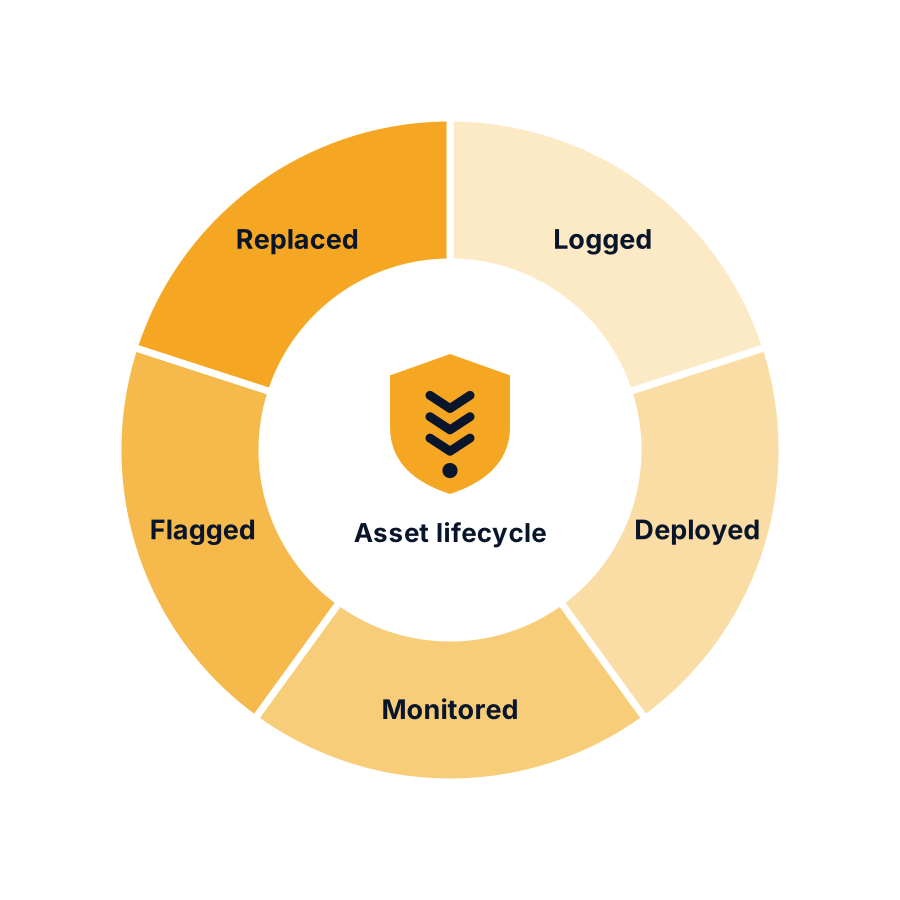
Know every computer, licence and warranty you own, and when each one runs out. We build the list, keep it current, and tell you what is coming before it turns into an emergency.
Most offices find out a machine is out of warranty the week it dies. The replacement wasn't budgeted, it takes a week to arrive, and somebody works off a spare laptop until it does. All of that is avoidable with a list and a date.
The same goes for software. Microsoft 365 seats quietly bill for people who left two years ago, or somebody shares a login because buying another seat felt like a hassle. Both cost you, one in money and one in exposure.
It starts with a walkthrough of what you already have. You keep that inventory whether or not you hire us, and if you ever move to another provider you leave knowing exactly what you own.
A five-year-old workstation fails on a Tuesday. Nobody budgeted for it, the replacement takes a week to arrive, and somebody works off a spare laptop until it does.
You pay for Microsoft 365 seats that belong to people who left. Or you are short on seats and somebody is sharing a login, which is a security problem as much as a billing one.
Hardware under warranty is a phone call. Hardware out of warranty is an invoice. The difference is knowing the date before it passes.
What you run the business on, what lives on it, and how long it stays covered.
The first step is a walkthrough of what you already have. It takes an afternoon in most offices, and you get a written list at the end of it.
You keep that list whether or not you hire us. If you decide to go elsewhere, at least you know what you own.